3. Authentication and API conventions
Base URL and headers
Production API base URL:
https://app.kyboa.com/api/v1
Use HTTPS and send the token in the header. JSON requests use these headers:
Authorization: Bearer <YOUR_API_TOKEN>
Accept: application/json
Content-Type: application/json
X-Request-Id: integration-job-0001
Content-Type is needed for JSON request bodies. X-Request-Id is optional: supply 1–128 characters from letters, digits, underscore, dot, colon and hyphen. Kyboa returns the accepted or generated ID in the response header and meta.request_id. It is a tracing identifier, not an idempotency key. Keep bearer tokens out of URLs, source control and logs.
The token identifies its owning user’s account. Requests cannot choose another account. Missing or cross-account Entity and Screening IDs return 404 NOT_FOUND.
Response envelopes
{
  "data": {
    "id": 1001
  },
  "meta": {
    "api_version": "v1",
    "request_id": "integration-job-0001"
  }
}
{
  "error": {
    "code": "VALIDATION_ERROR",
    "message": "The given data was invalid.",
    "details": {
      "errors": {
        "name": [
          "The name field is required."
        ]
      }
    }
  },
  "meta": {
    "api_version": "v1",
    "request_id": "integration-job-0001"
  }
}
Use error.code for programmatic handling, not the human-readable message. Error details are a JSON object, including {} when empty. Request-body names are trimmed, type values lowercased and jurisdiction codes uppercased. Dates use YYYY-MM-DD; timestamps are ISO 8601 strings with an offset. Preserve nullable fields as null.
app_url is an absolute link to a human-facing Kyboa page and requires the user’s normal web sign-in. poll_path, detail_path and API links are API-relative paths; resolve them against https://app.kyboa.com, without appending a second /api/v1.
Rate limits and account access
| Bucket | Default account-wide limit | Operations |
|---|
| Reads and checks | 120 requests per minute | Auth context, polling, Entity duplicate check, Entity detail and history |
| Creation | 30 requests per minute | Create screening, create Entity and trigger Entity screening |
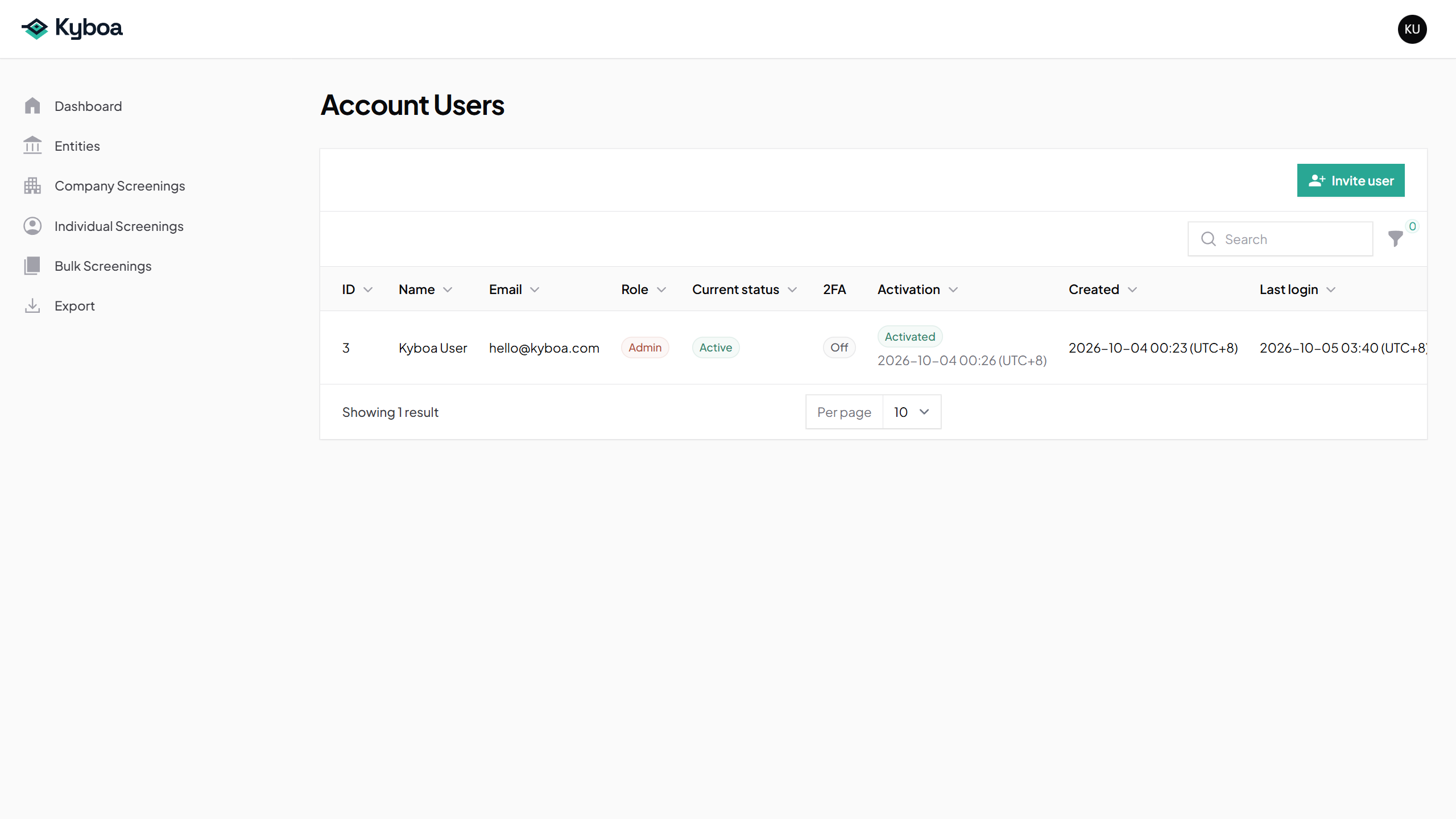
Limits are shared across the account, including multiple API users, and can vary by deployment. For 429 RATE_LIMITED, honour Retry-After when present; the value may also appear as error.details.retry_after. Active and grace accounts can use the API. Restricted accounts can read, but screening creation is blocked. Expired and suspended accounts are locked. The user must remain activated, Active and an API User.
Error reference
| HTTP | Code | Handling |
|---|
| 401 | UNAUTHENTICATED | Missing, invalid, revoked or replaced token. |
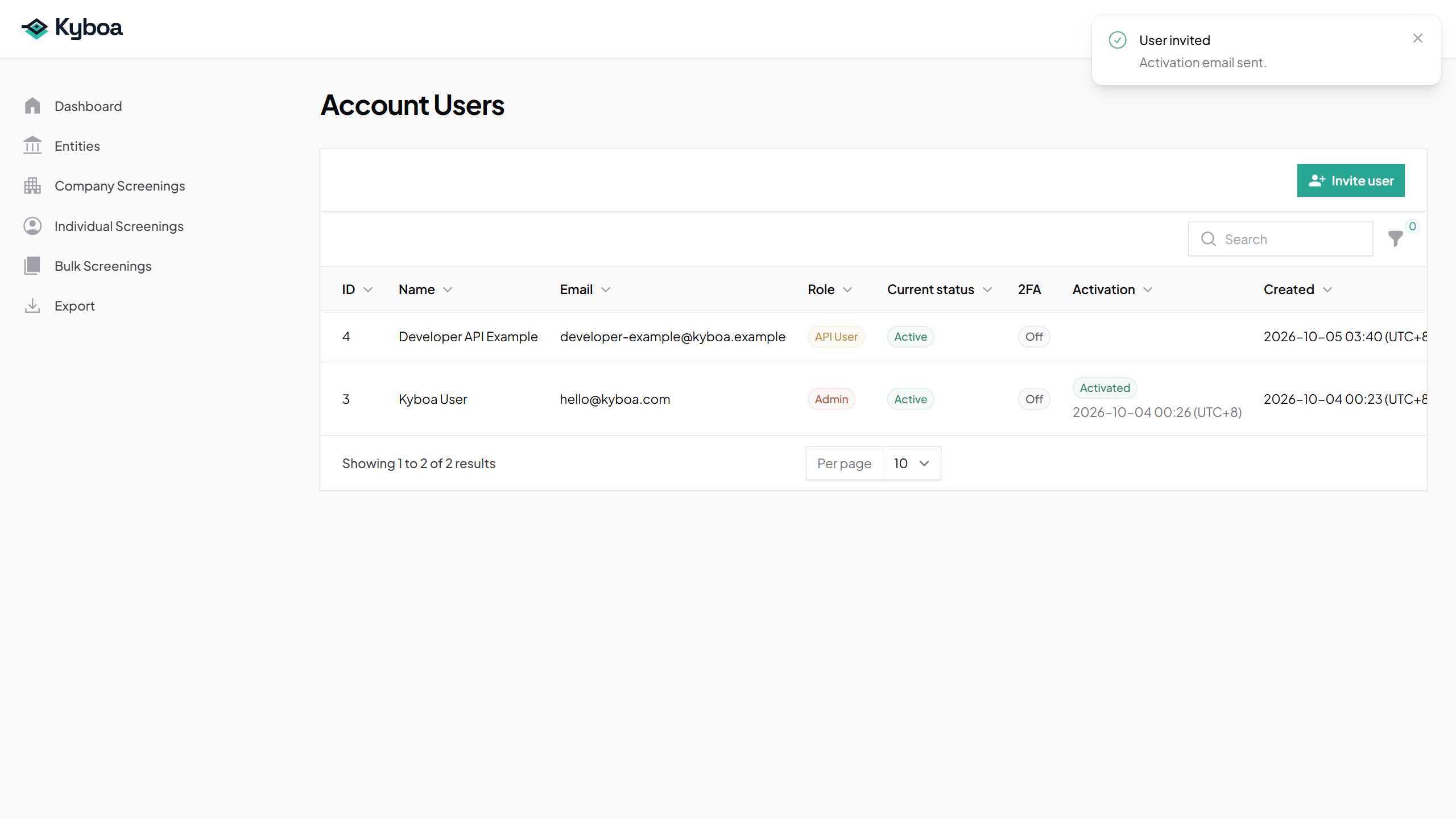
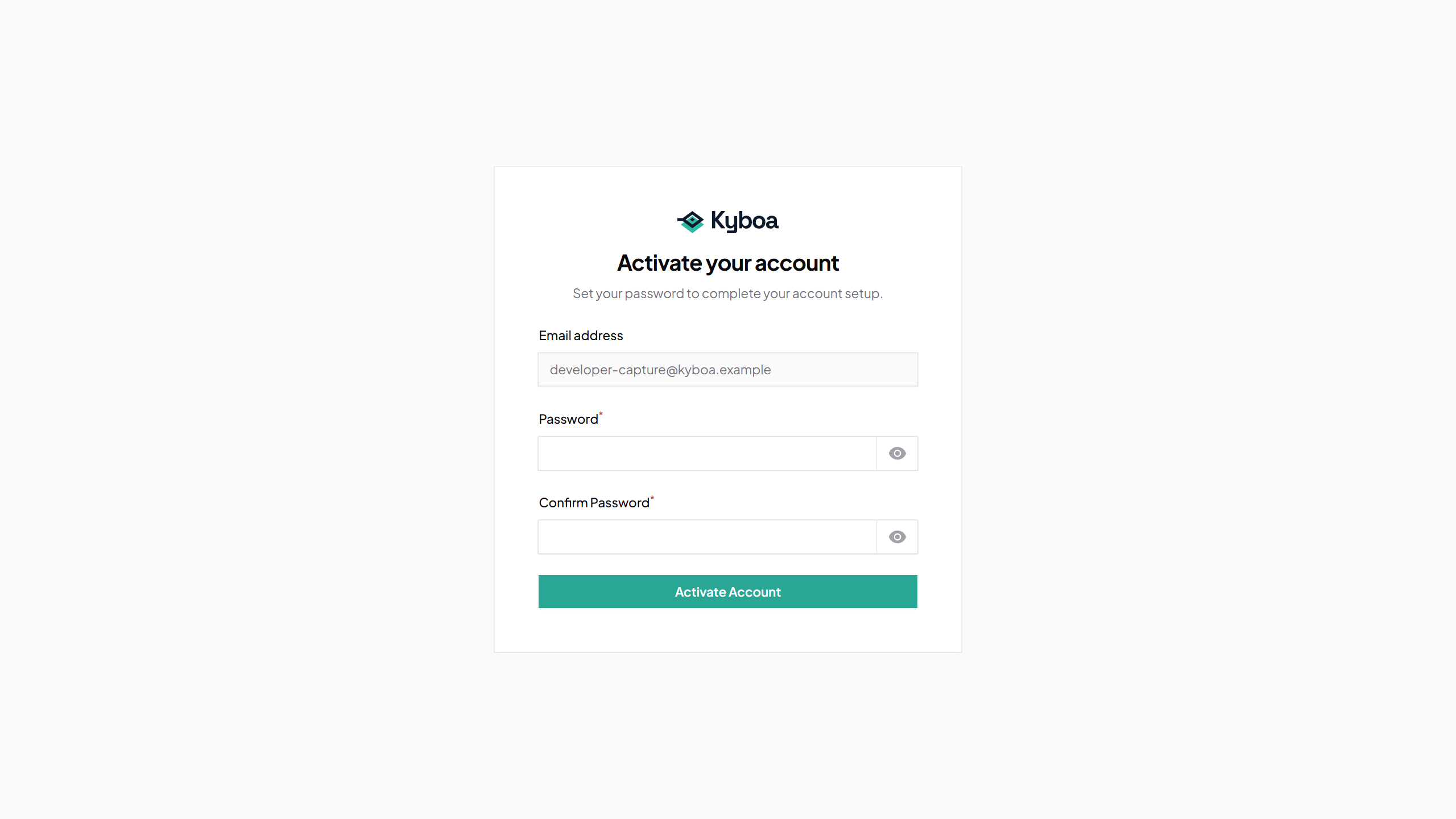
| 403 | USER_NOT_ACTIVATED | Activate the user account. |
| 403 | USER_ACCESS_DISABLED | The user is inactive or archived. |
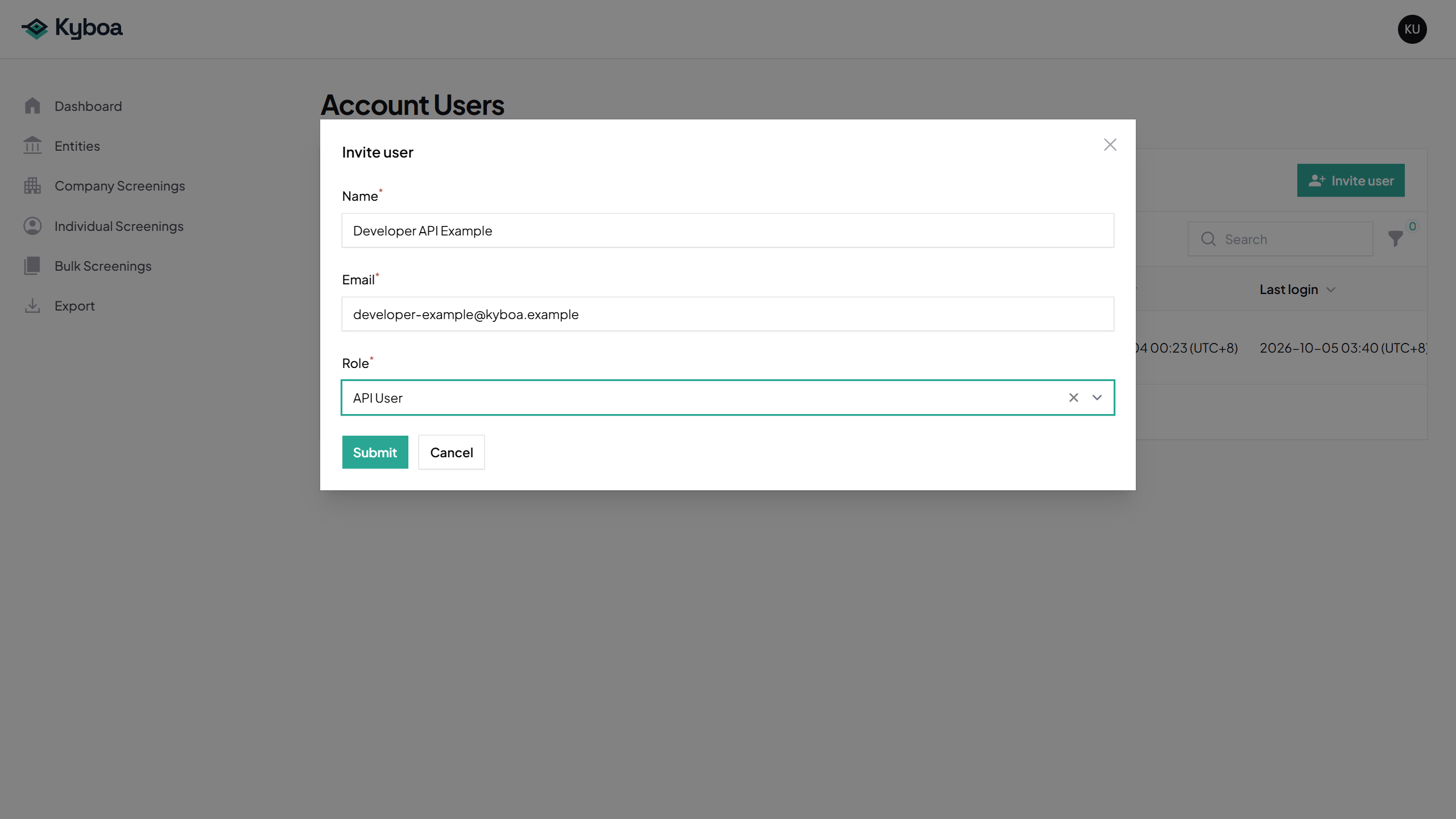
| 403 | API_USER_ROLE_REQUIRED | The token owner must have the API User role. |
| 403 | API_ACCESS_DISABLED | API access is disabled. Contact Kyboa. |
| 403 | ACCOUNT_ACCESS_LOCKED | The account is expired or suspended. |
| 403 | ACCOUNT_CONTEXT_UNAVAILABLE | The owning account cannot be resolved. Contact Kyboa. |
| 403 | INSUFFICIENT_TOKEN_ABILITY / FORBIDDEN | The token cannot perform the operation. Supported newly issued tokens have full current access. |
| 404 | NOT_FOUND | Missing or cross-account record, or an unknown API path. |
| 405 | METHOD_NOT_ALLOWED | The method is unsupported for that path. |
| 409 | ACCOUNT_RESTRICTED | Screening creation is blocked by account state. |
| 409 | INSUFFICIENT_SCREENING_BALANCE | The full screening cost cannot be funded; details may include required_credits and available_credits. |
| 409 | ENTITY_ALREADY_EXISTS | Use the existing Entity returned in error.details.entity. |
| 409 | PILOT_LIMIT_EXCEEDED | A configured screening limit was reached. Contact Kyboa. |
| 422 | VALIDATION_ERROR | Correct the fields listed in error.details.errors. |
| 429 | RATE_LIMITED | Back off according to the retry header. |
| 500 | SERVER_ERROR | Record the request ID and contact Kyboa; avoid blind creation retries. |
4. Endpoint reference
All endpoints below are relative to https://app.kyboa.com/api/v1. IDs in paths are numeric. Each endpoint uses the authentication and envelopes described above.
| Method and path | Success | Purpose |
|---|
GET /auth/context | 200 | Verify the token and account |
POST /screenings | 202 | Create a quick individual or company name-only screening |
GET /screenings/{screening} | 200 | Read screening progress and result metadata |
POST /entities/check-existing | 200 | Check for a matching Entity |
POST /entities | 201 | Create a minimal Entity |
GET /entities/{entity} | 200 | Read the maintained Entity record |
POST /entities/{entity}/screenings | 202 | Start a screening from a saved Entity |
GET /entities/{entity}/screenings | 200 | Read the Entity screening history |
4.1 · 4.2 · 4.3 · 4.4 · 4.5 · 4.6 · 4.7 · 4.8 · Response fields
4.1. Auth Context
No request body or query parameters are required.
Returns the authenticated user/account context and full-access token marker. This is useful for integration smoke tests.
GET /api/v1/auth/context
Requires a valid API token.
Example:
curl -sS https://app.kyboa.com/api/v1/auth/context \
  -H "Authorization: Bearer $KYBOA_API_TOKEN" \
  -H "Accept: application/json"
Response 200:
{
  "data": {
    "user": {
      "id": 456,
      "email": "[email protected]",
      "name": "Integration User"
    },
    "account": {
      "id": 123,
      "name": "Example Client"
    },
    "token": {
      "id": 789,
      "access": "full"
    }
  },
  "meta": {
    "api_version": "v1",
    "request_id": "client-job-20260520-0001"
  }
}
4.2. Create Quick Screening
Creates a screening asynchronously and starts the existing screening pipeline. This endpoint is for quick screenings only.
POST /api/v1/screenings
Request fields:
| Field | Required | Values | Notes |
|---|
type | yes | individual, company | Lowercased by the API |
name | yes | string, max 255 | Trimmed |
jurisdiction | yes | 2-letter country code | Uppercased by the API |
Example request:
curl -sS https://app.kyboa.com/api/v1/screenings \
  -H "Authorization: Bearer $KYBOA_API_TOKEN" \
  -H "Accept: application/json" \
  -H "Content-Type: application/json" \
  -H "X-Request-Id: client-screening-0001" \
  -d '{
    "type": "individual",
    "name": "Jane Doe",
    "jurisdiction": "sg"
  }'
Response 202:
{
  "data": {
    "id": 1001,
    "type": "individual",
    "status": "pending",
    "primary_subject_name": "Jane Doe",
    "jurisdiction": "SG",
    "created_at": "2026-05-20T09:30:00+00:00",
    "started_at": null,
    "completed_at": null,
    "app_url": "https://app.kyboa.com/individual-screenings/1001",
    "poll_path": "/api/v1/screenings/1001",
    "links": {
      "self": "/api/v1/screenings/1001"
    },
    "primary_subject": {
      "id": 2001,
      "type": "individual",
      "name": "Jane Doe",
      "jurisdiction": "SG"
    },
    "pipeline": {
      "current_step": null,
      "progress_percentage": 0,
      "degraded": false,
      "next_retry_at": null
    },
    "final_result": null
  },
  "meta": {
    "api_version": "v1",
    "request_id": "client-screening-0001"
  }
}
Notes:
- The endpoint always auto-starts the async pipeline.
- Company quick screenings remain screening-only; this endpoint does not trigger registry lookup or consume registry credits.
- Quick individual and company screenings contain one logical subject and consume one screening credit when creation succeeds.
- If that one-credit cost is unavailable,
409 INSUFFICIENT_SCREENING_BALANCE includes error.details.required_credits = 1 and the exact available_credits; no screening is created and no credits are deducted.
4.3. Poll Screening
No request body or query parameters are required.
Returns compact persisted screening status and final result metadata when available.
GET /api/v1/screenings/{screening}
Example:
curl -sS https://app.kyboa.com/api/v1/screenings/1001 \
  -H "Authorization: Bearer $KYBOA_API_TOKEN" \
  -H "Accept: application/json"
Response 200 while in progress:
{
  "data": {
    "id": 1001,
    "type": "individual",
    "status": "running",
    "primary_subject_name": "Jane Doe",
    "jurisdiction": "SG",
    "created_at": "2026-05-20T09:30:00+00:00",
    "started_at": "2026-05-20T09:30:03+00:00",
    "completed_at": null,
    "app_url": "https://app.kyboa.com/individual-screenings/1001",
    "poll_path": "/api/v1/screenings/1001",
    "links": {
      "self": "/api/v1/screenings/1001"
    },
    "primary_subject": {
      "id": 2001,
      "type": "individual",
      "name": "Jane Doe",
      "jurisdiction": "SG"
    },
    "pipeline": {
      "current_step": "web",
      "progress_percentage": 50,
      "degraded": false,
      "next_retry_at": null
    },
    "final_result": null
  },
  "meta": {
    "api_version": "v1",
    "request_id": "7bc32e34-4b7e-4ec7-9a4e-7a5b8784ce2f"
  }
}
Response 200 after completion may include final metadata:
{
  "data": {
    "id": 1001,
    "type": "individual",
    "status": "completed",
    "primary_subject_name": "Jane Doe",
    "jurisdiction": "SG",
    "created_at": "2026-05-20T09:30:00+00:00",
    "started_at": "2026-05-20T09:30:03+00:00",
    "completed_at": "2026-05-20T09:35:20+00:00",
    "app_url": "https://app.kyboa.com/individual-screenings/1001",
    "poll_path": "/api/v1/screenings/1001",
    "links": {
      "self": "/api/v1/screenings/1001"
    },
    "primary_subject": {
      "id": 2001,
      "type": "individual",
      "name": "Jane Doe",
      "jurisdiction": "SG"
    },
    "pipeline": {
      "current_step": "report",
      "progress_percentage": 100,
      "degraded": false,
      "next_retry_at": null
    },
    "final_result": {
      "risk_rating": "low",
      "risk_rating_label": "Low (Green)",
      "confidence_level": "high",
      "confidence_level_label": "High",
      "report": {
        "id": 3001,
        "type": "individual_v2_2",
        "format": "markdown",
        "generated_at": "2026-05-20T09:35:20+00:00"
      }
    }
  },
  "meta": {
    "api_version": "v1",
    "request_id": "7bc32e34-4b7e-4ec7-9a4e-7a5b8784ce2f"
  }
}
Cross-account screening IDs return 404 NOT_FOUND rather than revealing existence.
4.4. Check Existing Entity
Checks whether a matching Entity already exists in the authenticated account.
POST /api/v1/entities/check-existing
Request fields:
| Field | Required | Values | Notes |
|---|
entity_type | yes | company, individual | Lowercased by the API |
jurisdiction | yes | 2-letter country code | Uppercased by the API |
primary_name | yes | string, max 255 | Trimmed |
registration_number | no | string, max 255 | Used for company duplicate matching when present |
Example request:
curl -sS https://app.kyboa.com/api/v1/entities/check-existing \
  -H "Authorization: Bearer $KYBOA_API_TOKEN" \
  -H "Accept: application/json" \
  -H "Content-Type: application/json" \
  -d '{
    "entity_type": "company",
    "jurisdiction": "sg",
    "primary_name": "Acme Pte. Ltd.",
    "registration_number": "202300001A"
  }'
Response 200 when no duplicate exists:
{
  "data": {
    "exists": false,
    "match_type": null,
    "entity": null
  },
  "meta": {
    "api_version": "v1",
    "request_id": "2b8d94f8-3f9a-4c6d-9fae-101c710d6dc2"
  }
}
Response 200 when a same-account duplicate exists:
{
  "data": {
    "exists": true,
    "match_type": "registration_number",
    "entity": {
      "id": 4001,
      "entity_type": "company",
      "primary_name": "Acme Pte. Ltd.",
      "jurisdiction": "SG",
      "registration_number": "202300001A",
      "app_url": "https://app.kyboa.com/entities/4001"
    }
  },
  "meta": {
    "api_version": "v1",
    "request_id": "2b8d94f8-3f9a-4c6d-9fae-101c710d6dc2"
  }
}
Duplicate summaries intentionally do not include notes, lifecycle status, monitoring cadence, timestamps, duplicate keys, normalised keys, or child-record graph data.
Cross-account Entities are not visible. A match in another account returns exists: false.
4.5. Create Minimal Entity
Creates a minimal manual Entity through the same Entity write service used by the web product.
POST /api/v1/entities
Request fields:
| Field | Required | Values | Notes |
|---|
entity_type | yes | company, individual | Lowercased by the API |
primary_name | yes | string, max 255 | Trimmed |
jurisdiction | yes | 2-letter country code | Uppercased by the API |
registration_number | no | string, max 255 | Optional |
monitoring_frequency | no | weekly, monthly, quarterly, annually | Production values; omit or use null for no configured cadence |
notes | no | string, max 5000 | Persisted but not returned in the create response |
Example request:
curl -sS https://app.kyboa.com/api/v1/entities \
  -H "Authorization: Bearer $KYBOA_API_TOKEN" \
  -H "Accept: application/json" \
  -H "Content-Type: application/json" \
  -d '{
    "entity_type": "company",
    "primary_name": "Acme Pte. Ltd.",
    "jurisdiction": "sg",
    "registration_number": "202300001A",
    "monitoring_frequency": "monthly",
    "notes": "Imported from client onboarding system"
  }'
Response 201:
{
  "data": {
    "id": 4001,
    "entity_type": "company",
    "primary_name": "Acme Pte. Ltd.",
    "jurisdiction": "SG",
    "registration_number": "202300001A",
    "monitoring_frequency": "monthly",
    "app_url": "https://app.kyboa.com/entities/4001",
    "created_at": "2026-05-20T10:15:00+00:00"
  },
  "meta": {
    "api_version": "v1",
    "request_id": "3e914029-09e0-43d7-a660-2d60ef65d88d"
  }
}
Duplicate response 409:
{
  "error": {
    "code": "ENTITY_ALREADY_EXISTS",
    "message": "An Entity matching the submitted identity already exists in this account.",
    "details": {
      "match_type": "registration_number",
      "entity": {
        "id": 4001,
        "entity_type": "company",
        "primary_name": "Acme Pte. Ltd.",
        "jurisdiction": "SG",
        "registration_number": "202300001A",
        "app_url": "https://app.kyboa.com/entities/4001"
      }
    }
  },
  "meta": {
    "api_version": "v1",
    "request_id": "3e914029-09e0-43d7-a660-2d60ef65d88d"
  }
}
Notes:
- Creation also records the first Entity version, visible in Kyboa Versions.
- This endpoint is create-only. It may persist monitoring cadence, but it does not run a screening immediately.
- This endpoint does not create child records such as names, addresses, people, related entities, or shareholders.
- This endpoint does not call registry services.
4.6. Read Entity Detail
No request body or query parameters are required.
Returns the full current-state Entity record for an Entity visible to the authenticated account.
GET /api/v1/entities/{entity}
Example request:
curl -sS https://app.kyboa.com/api/v1/entities/4001 \
  -H "Authorization: Bearer $KYBOA_API_TOKEN" \
  -H "Accept: application/json"
Response 200:
{
  "data": {
    "id": 4001,
    "entity_type": "company",
    "status": "active",
    "primary_name": "Acme Pte. Ltd.",
    "jurisdiction": "SG",
    "registration_number": "202300001A",
    "monitoring_frequency": "monthly",
    "app_url": "https://app.kyboa.com/entities/4001",
    "core_identity": {
      "primary_name": "Acme Pte. Ltd.",
      "entity_type": "company",
      "status": "active",
      "jurisdiction": "SG"
    },
    "company_details": {
      "registration_number": "202300001A",
      "previous_registration_number": null,
      "tax_number": null,
      "vat_number": null,
      "license_number": null,
      "entity_legal_form": "Private Company Limited by Shares",
      "registration_status": "Registered",
      "incorporation_date": "2024-01-15",
      "dissolution_date": null,
      "business_activities": "Software services"
    },
    "individual_details": null,
    "contact_and_notes": {
      "website": "https://acme.example",
      "email": "[email protected]",
      "phone": "+65 5555 0000",
      "notes": "Imported from client onboarding system",
      "source_summary": "manual_entry"
    },
    "monitoring": {
      "frequency": "monthly",
      "last_screened_at": "2026-05-20T10:25:20+00:00",
      "monitoring_last_run_at": "2026-05-20T10:25:20+00:00",
      "next_monitoring_due_at": "2026-06-20T10:25:20+00:00"
    },
    "metadata": {
      "created_by": {
        "id": 456,
        "name": "Integration User"
      },
      "created_at": "2026-05-20T10:15:00+00:00",
      "updated_by": null,
      "updated_at": "2026-05-20T10:15:00+00:00"
    },
    "additional_names": [
      {
        "name": "Acme Trading",
        "name_type": "trading_name",
        "language_code": "en"
      }
    ],
    "addresses": [
      {
        "address_type": "registered",
        "full_address": "1 Example Street, Singapore",
        "country_code": "SG",
        "is_primary": true
      }
    ],
    "associated_people": [
      {
        "primary_name": "John Director",
        "nationality": "SG",
        "ownership_percent": 60.25,
        "is_screening_enabled": true,
        "is_ubo": true,
        "roles": [
          {
            "role_type": "director",
            "label": "Managing Director",
            "is_former": false
          }
        ]
      }
    ],
    "corporate_shareholders": [
      {
        "linked_entity_id": null,
        "role_type": "shareholder",
        "primary_name": "Acme Corporate Nominee Ltd",
        "registration_number": "NOM-001",
        "jurisdiction": "SG",
        "ownership_percent": 25,
        "is_screening_enabled": true,
        "notes": null
      }
    ],
    "shareholders": [
      {
        "primary_name": "John Director",
        "kind": "person",
        "ref_number": null,
        "ownership_percent": 60.25,
        "is_ubo": true,
        "is_screening_enabled": true,
        "linked_entity_id": null
      }
    ],
    "links": {
      "self": "/api/v1/entities/4001",
      "screenings": "/api/v1/entities/4001/screenings"
    }
  },
  "meta": {
    "api_version": "v1",
    "request_id": "4d7f9e17-4a2d-4b0f-a638-4d77f2a1d9c4"
  }
}
Notes:
- The response is intentionally fuller than the compact Entity summaries returned by duplicate-check and create responses.
- The current-state sections are: core identity, company details, individual details, contact and notes, monitoring, metadata, additional names, addresses, associated people, corporate shareholders, and shareholders.
monitoring_frequency is returned at the top level and in the monitoring section.- Company-only detail sections return
null or empty arrays for individual Entities. Individual-only details return null for company Entities. - Nested collections intentionally omit implementation/provenance fields such as child row IDs, sort order, source markers, source table, and source row IDs.
associated_people[].is_ubo and shareholders[].is_ubo are nullable booleans. For people, true means assessed Yes, false means assessed No, and null means not assessed/not available. Corporate and additional shareholder rows return null because a natural-person UBO flag is not applicable to them. Clients must not coerce null to false. ownership_percent remains a nullable number and retains the stored precision of up to four decimal places.- Screening history, latest screenings, version history, review decisions, raw registry artifacts, report content, and PDF-only presentation copy are not embedded.
- Use
GET /api/v1/entities/{entity}/screenings for compact screening history rows and GET /api/v1/screenings/{screening} for canonical per-screening detail. - Missing or cross-account Entities return
404 NOT_FOUND.
4.7. Trigger Entity Screening
No request body is required. The stored Entity data supplies the subjects to screen.
Creates a screening from the current persisted Entity data and starts the existing async pipeline. This is the explicit on-demand path to screen an Entity after it has been created.
POST /api/v1/entities/{entity}/screenings
Request body: none. Any submitted subject fields are ignored; the screening input comes from the current Entity record through the shared Entity screening orchestration.
Example request:
curl -sS https://app.kyboa.com/api/v1/entities/4001/screenings \
  -H "Authorization: Bearer $KYBOA_API_TOKEN" \
  -H "Accept: application/json" \
  -H "Content-Type: application/json" \
  -H "X-Request-Id: entity-screening-0001" \
  -X POST
Response 202:
{
  "data": {
    "id": 1002,
    "type": "company",
    "status": "pending",
    "primary_subject_name": "Acme Pte. Ltd.",
    "jurisdiction": "SG",
    "created_at": "2026-05-20T10:20:00+00:00",
    "started_at": null,
    "completed_at": null,
    "app_url": "https://app.kyboa.com/company-screenings/1002",
    "poll_path": "/api/v1/screenings/1002",
    "links": {
      "self": "/api/v1/screenings/1002"
    },
    "primary_subject": {
      "id": 2002,
      "type": "company",
      "name": "Acme Pte. Ltd.",
      "jurisdiction": "SG"
    },
    "pipeline": {
      "current_step": null,
      "progress_percentage": 0,
      "degraded": false,
      "next_retry_at": null
    },
    "final_result": null
  },
  "meta": {
    "api_version": "v1",
    "request_id": "entity-screening-0001"
  }
}
Notes:
- The endpoint resolves the Entity inside the authenticated token account. Missing or cross-account Entities return
404 NOT_FOUND. - The screening is linked to the Entity and appears in its history with
trigger_type=entity_manual. - The endpoint atomically consumes one screening credit per distinct enabled Entity person or organisation in the screening plan. Alternate, translated, and previous names for the same party do not add credits; multiple roles for one proven party do not add credits.
- If the full cost is unavailable, the stable
409 INSUFFICIENT_SCREENING_BALANCE response includes error.details.required_credits and error.details.available_credits, and no screening is created and no credits are deducted. - The endpoint does not trigger registry lookup, registry import, monitoring scheduling changes, child-record authoring, or bulk screening behaviour.
- Use
data.poll_path or data.links.self with GET /api/v1/screenings/{screening} for canonical per-screening detail.
4.8. Entity Screening History
No request body or query parameters are required.
Returns compact summary rows for screenings already linked to an Entity.
GET /api/v1/entities/{entity}/screenings
Example request:
curl -sS https://app.kyboa.com/api/v1/entities/4001/screenings \
  -H "Authorization: Bearer $KYBOA_API_TOKEN" \
  -H "Accept: application/json"
Response 200:
{
  "data": {
    "entity": {
      "id": 4001,
      "entity_type": "company",
      "primary_name": "Acme Pte. Ltd.",
      "jurisdiction": "SG",
      "registration_number": "202300001A",
      "app_url": "https://app.kyboa.com/entities/4001"
    },
    "screenings": [
      {
        "id": 1002,
        "type": "company",
        "trigger_type": "entity_manual",
        "status": "completed",
        "created_at": "2026-05-20T10:20:00+00:00",
        "started_at": "2026-05-20T10:20:03+00:00",
        "completed_at": "2026-05-20T10:25:20+00:00",
        "risk_rating": "low",
        "confidence_level": "high",
        "app_url": "https://app.kyboa.com/company-screenings/1002",
        "detail_path": "/api/v1/screenings/1002",
        "links": {
          "self": "/api/v1/screenings/1002"
        }
      },
      {
        "id": 1001,
        "type": "company",
        "trigger_type": "entity_monitoring",
        "status": "completed_degraded",
        "created_at": "2026-05-19T10:20:00+00:00",
        "started_at": "2026-05-19T10:20:03+00:00",
        "completed_at": "2026-05-19T10:25:20+00:00",
        "risk_rating": "medium",
        "confidence_level": "medium",
        "app_url": "https://app.kyboa.com/company-screenings/1001",
        "detail_path": "/api/v1/screenings/1001",
        "links": {
          "self": "/api/v1/screenings/1001"
        }
      }
    ]
  },
  "meta": {
    "api_version": "v1",
    "request_id": "fd511609-e9ec-4bf7-877d-1abf24852ee6"
  }
}
Notes:
- Rows are ordered newest first by
created_at DESC, then id DESC. - The history includes both explicit manual Entity screenings and monitoring-created screenings linked to the Entity.
- Quick screenings and unrelated screenings with no matching
entity_id are excluded. - The response is summary-only. It does not expose raw artifacts, report Markdown, provider payloads, internal diagnostics, or full screening detail.
GET /api/v1/screenings/{screening} remains the canonical detail endpoint for each returned screening.
4.9. Response field reference
Field shapes below supplement the complete response examples. The shared meta object contains api_version and request_id, both strings.
Authentication context
| Field | Type | Meaning |
|---|
user | object | id: integer, email: string, name: string |
account | object | id: integer, name: string |
token | object | id: integer; access: "full". No token secret is returned. |
Screening resource — create, poll and Entity screening trigger
| Field | Type | Meaning |
|---|
id | integer | Saved screening ID. |
type | string | individual or company. |
status | string | See the status lifecycle in section 5. |
primary_subject_name, jurisdiction | string or null | Primary subject identity and country code. |
created_at | timestamp or null | Creation time. |
started_at, completed_at | timestamp or null | Pipeline times, absent until available. |
app_url | string or null | Human-facing screening page. |
poll_path, links.self | string | API-relative detail/poll path. |
primary_subject | object or null | id: integer, type/name/jurisdiction: strings or null. |
pipeline.current_step | string or null | Current pipeline step. |
pipeline.progress_percentage | number | Progress estimate from 0 to 100. |
pipeline.degraded | boolean | Whether processing recorded degraded output. |
pipeline.next_retry_at | timestamp or null | Scheduled retry time when available. |
final_result | object or null | Available assessment/report metadata. Its presence alone is not a terminal-status check. |
final_result.risk_rating, risk_rating_label | string or null | low, medium, high or very_high; companion display label. |
final_result.confidence_level, confidence_level_label | string or null | high, medium or low; companion display label. |
final_result.report | object or null | id: integer; type/format: string; generated_at: timestamp or null. Metadata only. |
Compact Entity and duplicate-check results
The compact Entity has id (integer), entity_type, primary_name, jurisdiction (strings), and nullable registration_number and app_url. Creation adds nullable created_at and includes monitoring_frequency only when a cadence is set.
The duplicate-check response adds exists (boolean), match_type (registration_number, primary_name or null), and entity (compact object or null). Matching is within the same account, type and jurisdiction. Company registration-number matching is attempted first, with normalised name matching as the fallback.
Full Entity detail
| Section | Fields and types |
|---|
| Top level | id: integer; entity_type/status/primary_name/jurisdiction: strings; registration_number/monitoring_frequency/app_url: string or null. |
core_identity | primary_name, entity_type, status and jurisdiction. |
company_details | Company-only object, otherwise null. Nullable registration_number, previous_registration_number, tax_number, vat_number, license_number, entity_legal_form, registration_status, business_activities; incorporation_date/dissolution_date are nullable dates. |
individual_details | Individual-only object, otherwise null. Nullable date_of_birth_full (date), birth_year (integer), place_of_birth, nationality, citizenship, gender, passport_number and national_id_number (strings). |
contact_and_notes | Nullable website, email, phone, notes and source_summary strings. |
monitoring | frequency: string or null; last_screened_at, monitoring_last_run_at, next_monitoring_due_at: timestamp or null. |
metadata | created_by/updated_by: {id: integer, name: string} or null; created_at/updated_at: timestamp or null. |
additional_names[] | name: string; name_type and language_code: string or null. |
addresses[] | address_type/full_address/country_code: string or null; is_primary: boolean. |
associated_people[] | primary_name: string; nationality: string or null; ownership_percent: number or null; is_screening_enabled: boolean; is_ubo: boolean or null; roles: array. |
associated_people[].roles[] | role_type and label: string or null; is_former: boolean. |
corporate_shareholders[] | linked_entity_id: integer or null; role_type/primary_name/registration_number/jurisdiction/notes: string or null; ownership_percent: number or null; is_screening_enabled: boolean. |
shareholders[] | primary_name/kind/ref_number: string or null; ownership_percent: number or null; is_ubo: boolean or null; is_screening_enabled: boolean; linked_entity_id: integer or null. |
links | self and screenings: API-relative strings. |
Collections are arrays, including empty arrays when no rows exist. Company people/shareholder collections are empty for an Individual Entity. is_ubo has three states: true (assessed Yes), false (assessed No), and null (not assessed, unavailable or not applicable). Do not convert null to false. Ownership percentages are nullable numbers with up to four decimal places.
Entity screening history
data.entity is a compact Entity. data.screenings is an array of rows containing integer id; nullable strings type, trigger_type, status, risk_rating, confidence_level, app_url; nullable timestamps created_at, started_at, completed_at; and string detail_path and links.self. Follow the detail path for the canonical screening resource.

 Download Postman collection